localhost · your app
1 · Start
1 · Start a session
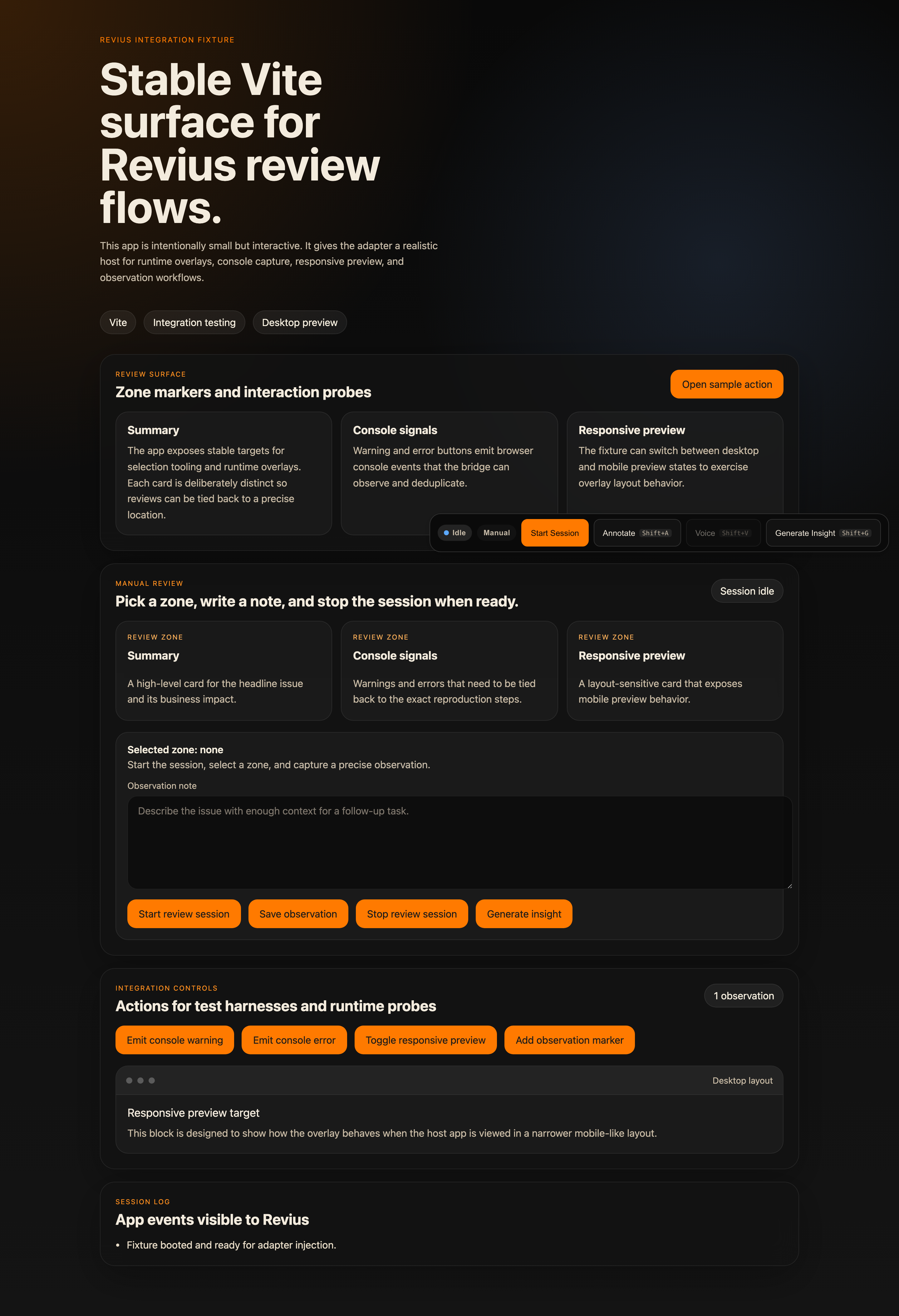
Flip Revius on inside your dev server. The overlay stays out of the way until you need it.
Open Revius on your live app. Select a zone, say what feels off — by voice or text — and get AI-ready tasks and prompts that feed straight back into Genius Team.
Flip Revius on inside your dev server. The overlay stays out of the way until you need it.
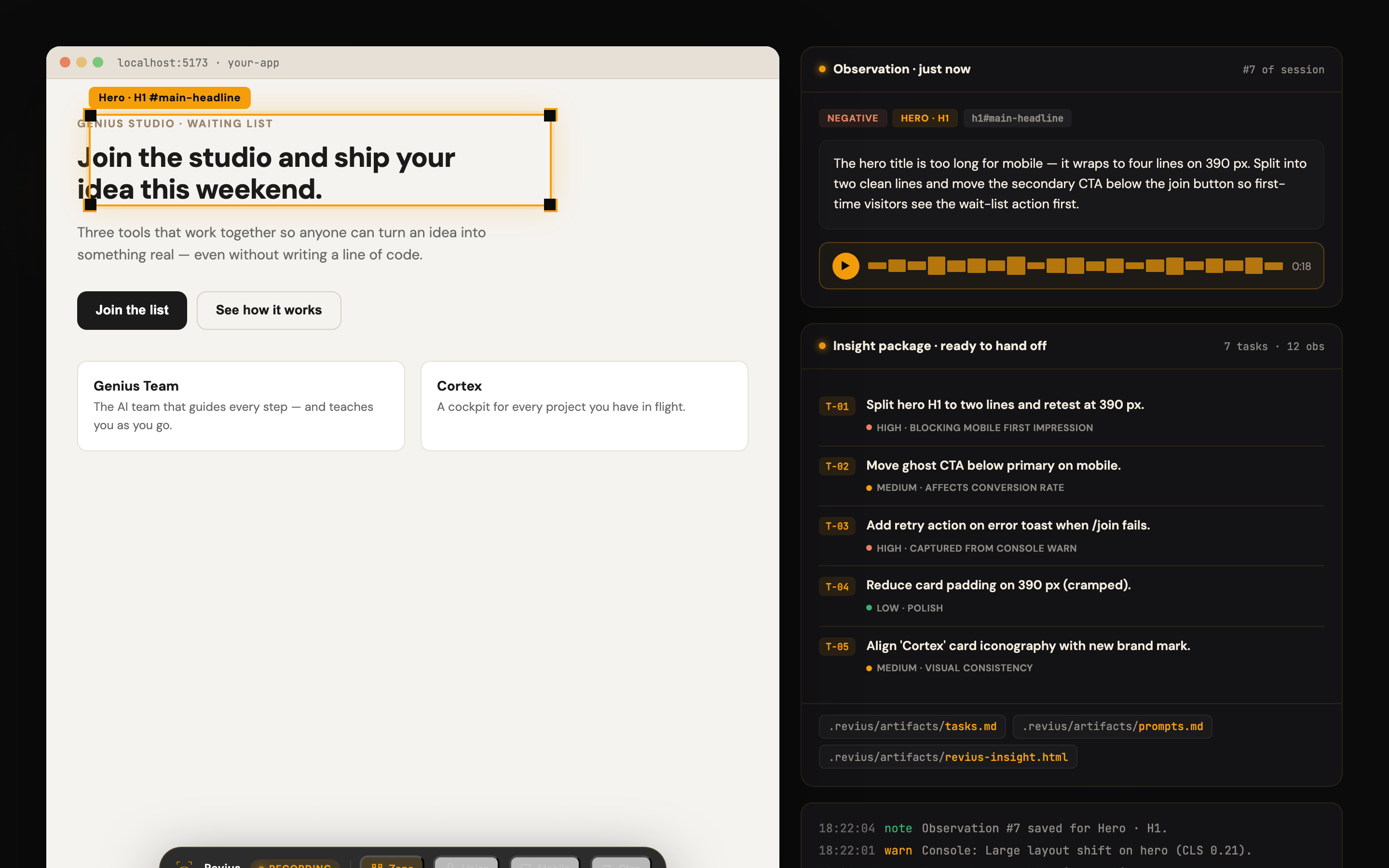
Click the part of the UI that feels wrong. Revius captures the selector, the screenshot, the context.
Type a note or record a voice note. Console warnings and errors are auto-captured in parallel.
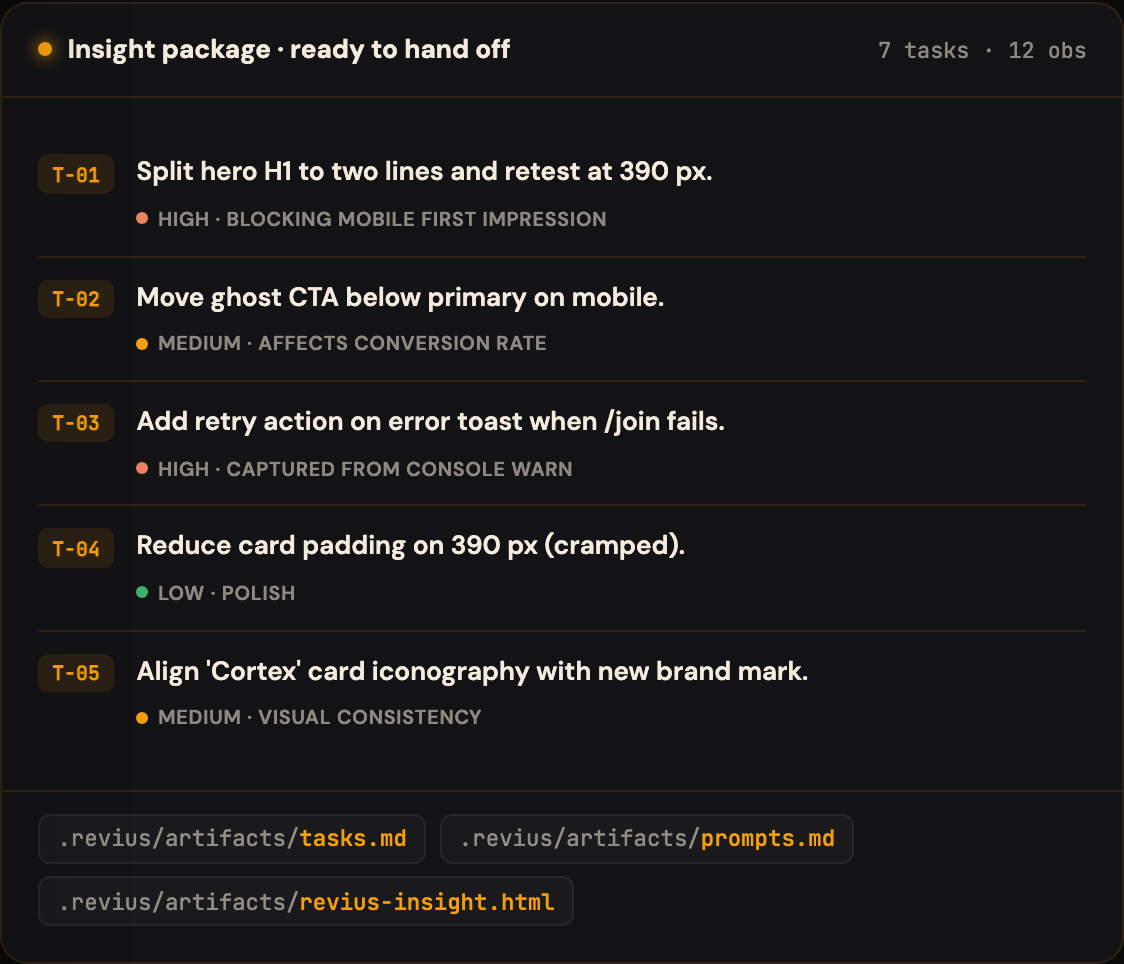
On stop, Revius writes tasks.md, prompts.md, and an HTML recap — ready for Genius Team to pick up.
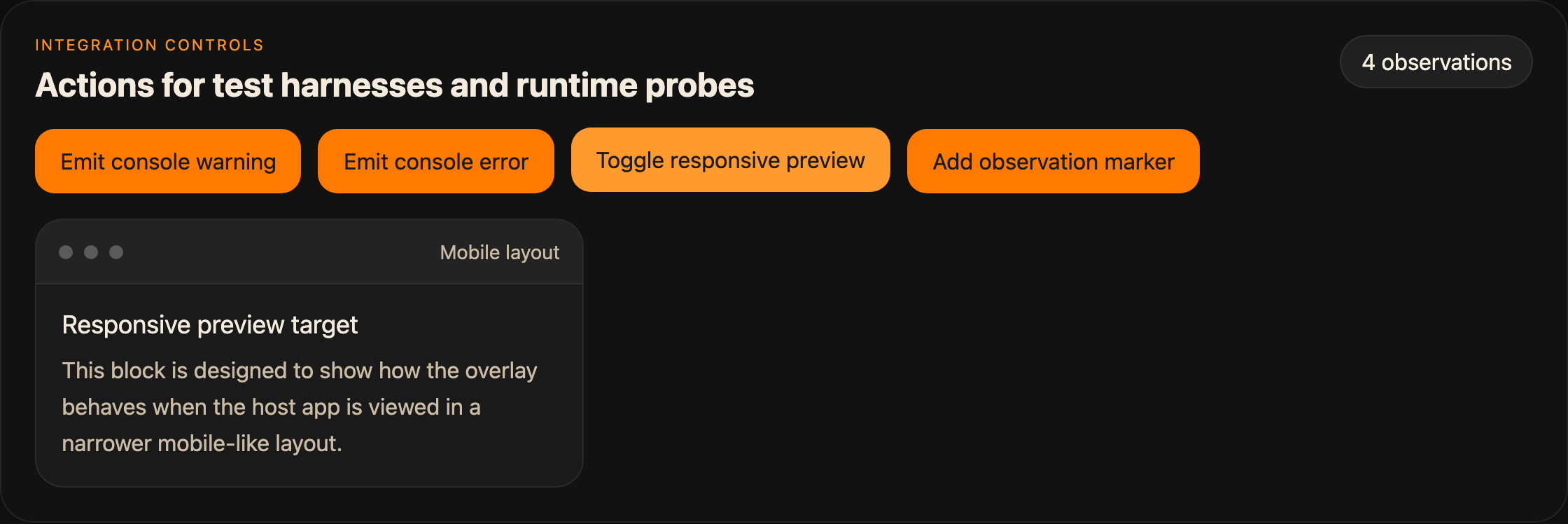
Switch layouts without leaving the overlay. Review mobile, tablet, desktop in one go.
SQLite + local files. No cloud. No leakage. Feedback you can share only with the people who need it.
Talk about what feels off instead of typing it. Transcription is graceful if available.
Warnings and errors from your dev server are captured, deduplicated, and linked to the right zone.
Switch layouts without leaving the overlay. Review mobile, tablet, desktop in one session.
Revius findings feed directly into Genius Team tasks and Cortex memory.
Drop-in plugins for Vite and Next.js. Five minutes from install to first review.
Revius is in open beta. Everything you see runs on your machine and stays free to use while we refine the experience. A paid license with a generous free tier will come later. Early users lock in a perpetual beta benefit.